The Ultimate Smart Home Maintenance Guide
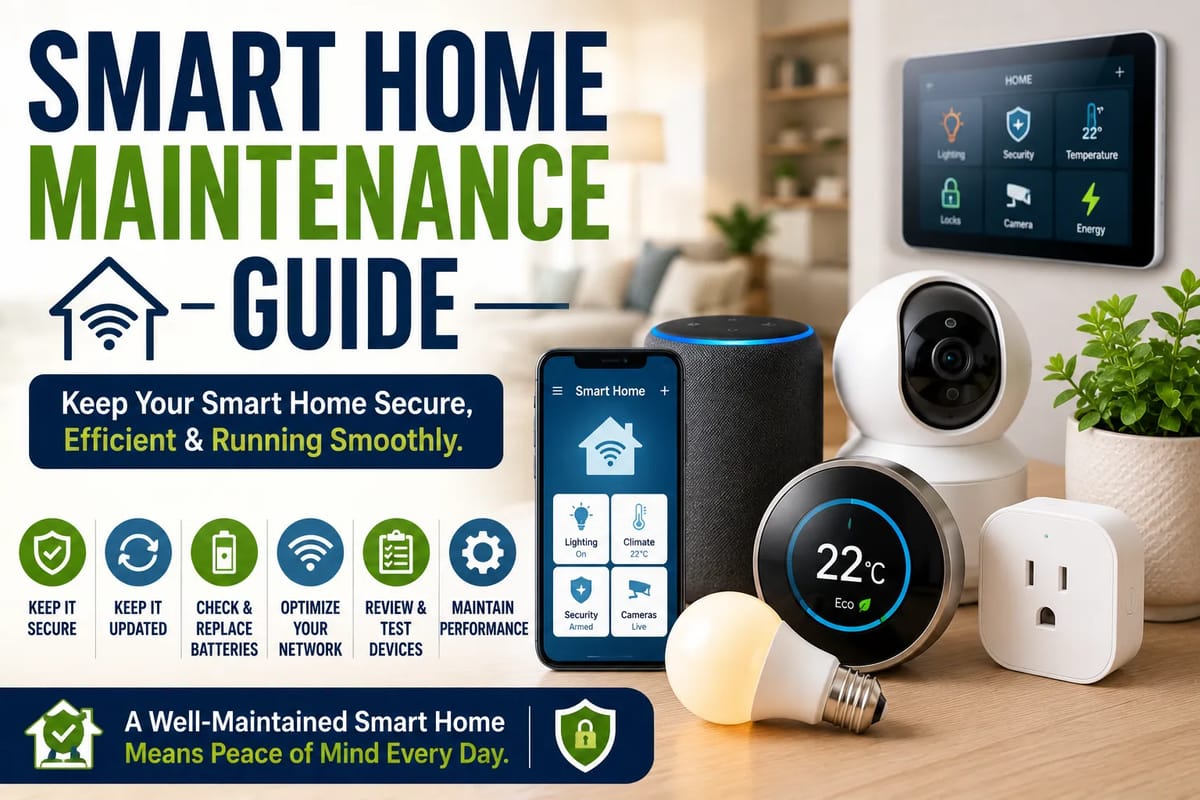
Smart Home Maintenance Guide
Smart homes are transforming modern living by combining connected devices, automation, and intelligent technology to improve convenience, security, energy efficiency, and comfort. From smart thermostats and lighting systems to security cameras and voice assistants, today’s connected homes rely on multiple devices working together through home networks. However, like any technology ecosystem, smart homes require regular maintenance to remain secure, reliable, and efficient.
Routine maintenance helps ensure devices continue operating correctly, software remains up to date, and home networks stay protected against potential cybersecurity threats. As more households adopt connected technology, proactive maintenance is becoming just as important as traditional home upkeep.
This guide explains how smart home systems work, why regular maintenance matters, common maintenance tasks, security best practices, and how homeowners can keep their connected homes running smoothly.
What Is a Smart Home?
A smart home uses internet-connected devices that communicate with one another to automate household tasks and improve everyday living.
Common smart home devices include:
- Smart speakers
- Smart thermostats
- Smart lighting
- Security cameras
- Video doorbells
- Smart locks
- Smart plugs
- Smart appliances
Many of these devices can be controlled remotely through mobile apps or voice assistants.
For a broader overview of how connected technologies work together, the Complete Guide to Smart Homes covers the major components, benefits, and considerations involved in building a connected home.
Why Smart Home Maintenance Matters
Regular maintenance helps connected devices perform reliably while reducing the risk of technical issues.
Proper maintenance can help:
- Improve device performance
- Strengthen cybersecurity
- Extend device lifespan
- Reduce network problems
- Improve energy efficiency
- Enhance home security
- Prevent unexpected failures
- Maintain automation reliability
Consistent maintenance also reduces troubleshooting time when problems occur.
Keep Software Updated
Software updates are one of the most important aspects of smart home maintenance.
Updates often provide:
- Security patches
- Bug fixes
- Performance improvements
- New features
- Device compatibility
- Stability enhancements
- Better automation
- Improved reliability
Whenever possible, enable automatic updates for trusted devices.
Secure Your Home Wi-Fi Network
Most smart home devices rely on your home network.
Important security practices include:
- Using a strong Wi-Fi password
- Enabling WPA3 or WPA2 encryption
- Changing default router credentials
- Updating router firmware
- Disabling unused network features
- Creating a guest network for visitors
- Monitoring connected devices
- Restarting networking equipment periodically
A secure network protects every connected device in the home. Homeowners with larger or more complex connected systems can learn more in the Complete Guide to Smart Home Networking.
Review Connected Devices
Over time, households often accumulate devices that are no longer used.
Regularly review:
- Connected smart plugs
- Cameras
- Speakers
- Smart bulbs
- Appliances
- Mobile apps
- User accounts
- Device permissions
Removing unused devices helps simplify management and reduce potential security risks.
Test Home Security Devices
Smart security equipment should be tested regularly.
Check devices such as:
- Security cameras
- Motion sensors
- Smart locks
- Door sensors
- Smoke detectors
- Carbon monoxide detectors
- Alarm systems
- Video doorbells
Routine testing helps identify issues before they become emergencies.
The Smart Home Security Guide provides additional guidance on security cameras, sensors, smart locks, privacy, cybersecurity, and remote monitoring.
Replace Batteries
Many smart home devices rely on rechargeable or replaceable batteries.
Examples include:
- Door sensors
- Motion detectors
- Smart locks
- Remote controls
- Smoke alarms
- Water leak sensors
- Security keypads
- Window sensors
Replace batteries according to manufacturer recommendations or when low-battery alerts appear.
Organize Smart Home Apps
Many households manage numerous mobile apps for connected devices.
Helpful practices include:
- Deleting unused apps
- Updating installed apps
- Organizing devices into rooms
- Reviewing automation settings
- Renaming devices clearly
- Removing duplicate accounts
- Checking notification preferences
- Backing up important settings when available
Good organization simplifies daily management.
Clean Devices Carefully
Dust and debris may affect certain smart devices.
Clean regularly:
- Camera lenses
- Smart displays
- Speakers
- Motion sensors
- Doorbell cameras
- Smart thermostats
- Charging ports
- Air quality sensors
Always follow the manufacturer’s cleaning recommendations and avoid excessive moisture.
Review Smart Automations
Automated routines may require occasional updates as household needs change.
Review automations for:
- Lighting schedules
- Climate settings
- Security routines
- Appliance control
- Energy-saving schedules
- Vacation modes
- Morning routines
- Nighttime routines
Optimizing automations improves convenience and efficiency.
When multiple brands or platforms are involved, compatibility can affect whether automations continue working as expected. Understanding Smart Home Integration and Compatibility explains how connected devices can communicate across different systems.
Backup Important Settings
Some smart home platforms allow users to save device configurations.
Useful backups may include:
- Automation routines
- Network settings
- User permissions
- Device names
- Scene configurations
- Security preferences
- Access codes
- Home layouts
Backups can simplify recovery after hardware replacement or system resets.
Energy Efficiency Monitoring
Many smart home systems provide energy usage information.
Monitoring helps homeowners:
- Identify high-energy devices
- Reduce unnecessary electricity use
- Optimize heating and cooling
- Schedule appliance operation
- Improve efficiency
- Lower utility costs
- Track consumption trends
- Support sustainability goals
Small adjustments can produce meaningful long-term savings. The Smart Home Energy-Saving Guide explores how connected technologies can help homeowners monitor and manage household energy consumption.
Cybersecurity Best Practices
Smart homes should be treated like any other connected computer network.
Recommended practices include:
- Enabling two-factor authentication
- Using unique passwords
- Reviewing account access regularly
- Purchasing devices from reputable manufacturers
- Removing unsupported devices
- Limiting unnecessary permissions
- Monitoring security alerts
- Keeping firmware current
Cybersecurity should remain an ongoing priority rather than a one-time setup.
Common Smart Home Problems
Occasionally, connected devices experience technical issues.
Common problems include:
- Wi-Fi interruptions
- Offline devices
- Automation failures
- Delayed notifications
- Battery depletion
- Firmware incompatibility
- Mobile app issues
- Voice assistant errors
Many issues can be resolved through updates, restarts, or network improvements.
Common Myths About Smart Homes
Several misconceptions continue surrounding connected homes.
Myth: Smart Homes Never Need Maintenance
Like computers and smartphones, connected devices require regular updates and monitoring.
Myth: Every Smart Device Is Automatically Secure
Security depends on proper setup, software updates, and safe user practices.
Myth: More Devices Always Create a Better Smart Home
Choosing reliable, compatible devices often provides a better experience than simply adding more technology.
Myth: Smart Homes Are Too Complicated
Many modern systems are designed with user-friendly setup processes and simplified mobile controls.
Tips for Maintaining a Smart Home
Keep your connected home operating efficiently by:
- Updating device software regularly.
- Securing your Wi-Fi network.
- Testing security equipment.
- Replacing batteries when needed.
- Cleaning sensors and cameras.
- Reviewing automation routines.
- Removing unused devices.
- Monitoring energy usage.
- Organizing mobile apps.
- Following manufacturer maintenance recommendations.
Regular attention helps prevent small issues from becoming larger problems.
The Future of Smart Home Maintenance
Connected home technology continues evolving rapidly.
Emerging innovations include:
- AI-powered predictive maintenance
- Self-diagnosing devices
- Improved cybersecurity systems
- Unified smart home platforms
- Smarter energy optimization
- Automatic device health monitoring
- Enhanced interoperability standards
- Cloud-based home management
These technologies are expected to make smart homes more reliable, secure, and easier to maintain.
Keeping a Smart Home Reliable Over Time
Smart home technology offers greater convenience, security, and energy efficiency, but these benefits depend on proper maintenance. By keeping software updated, securing home networks, testing connected devices, replacing batteries, and reviewing automation settings, homeowners can ensure their smart home continues operating safely and efficiently.
As connected devices become increasingly integrated into everyday life, routine maintenance will remain essential for protecting both household technology and personal privacy. A proactive approach helps maximize performance, extend device lifespan, and create a smarter, safer, and more dependable home.